Symja
The Android version is from Graphing Scientific Calculator.It contains the Casio 991EX calculator and the Symja CAS. The desktop version uses Java, and is from GitHub. The manual for the physical calculator and documentation for the Symja language.
Symja for Microsoft Windows
Java for Windows is available from Portapps.In the download panel, activate the "Version" drop-down, find the desired major version (eg. "11"), then choose the first entry under it. After the JDK has been installed, install Symja to the same parent directory.
When complete, "JDK11.0" and "Symja_" connect to the same directory.
Warning: the "JDK11.0" directory exists only when Oracle JDK version 11.0 is installed
Create a directory beneath "Symja_" (Eg. "bin") and save the following text as a .BAT file (Eg. "symja.BAT"), there.
Caution: It is one DOS command, on one line
| ..\..\JDK11.0\app\bin\java.exe | ||
|
-classpath "\Language\Symja\symja_java11-v3.0.0\etc";"C:\Language\Symja\symja_java11-v3.0.0\lib\*" -Dapp.name="server" -Dapp.repo="\Language\Symja\symja_java11-v3.0.0\lib" -Dapp.home="\Language\Symja\symja_java11-v3.0.0" -Dbasedir="\Language\Symja\symja_java11-v3.0.0" org.matheclipse.io.servlet.ServletServer | ||
| +-- | Language | ||||||
| +-- | Symja | ||||||
| +-- | JDK11.0 | ||||||
| +-- | Symja_ | ||||||
| +-- | bin | ||||||
| -- | symja.BAT | ||||||
| +-- | lib | ||||||
To close the Symja CAS, close the browser and the DOS command window.
Warning: In version 3.1.1 of Symja, the Graphics() command is sensitive to arguments being spread across multiple lines.
Thus, the more complex diagrams must have all Graphics() arguments provided on one line. Eg.:
- draw square with tick-marks
- draw ballistic trajectory
Scripts for Symja CAS language.
Download samples of the Symja language, based on Wolfram Mathematica. solve for length of a triangle - Updated 2024-Nov-06Equalize percentage use - Updated 2024-Nov-06
draw a cartoid - Updated 2024-Nov-06
Collatz conjecture - Updated 2024-Nov-06
draw exaggerated sine wave - Updated 2024-Nov-06
define e^x function - Updated 2024-Nov-06
Pretty-print very long decimal - Updated 2024-Nov-06
show continuous fraction - Updated 2024-Nov-06
define a Cumulative Distribution Function - Updated 2024-Nov-06
convert decimal degrees to a PlusCode using base-N functions - Updated 2025-Jul-13
convert decimal degrees to a PlusCode using Modulus - Updated 2026-Mar-29
draw Mathics language sample - Updated 2024-Nov-06
calculate inverse of 2-square matrix - Updated 2024-Nov-06
show inverse of 3-square matrix - Updated 2024-Nov-06
Samples of pattern-matching - Updated 2025-Jan-14
Rotate a rectangle - Updated 2025-Jan-14
calculate integral - Updated 2024-Nov-06
draw sine wave using cosine wave - Updated 2025-Jan-08
draw square with tick-marks - Updated 2025-Jan-20
draw square with tick-marks using patterns - Updated 2025-Jan-20
Probability of coin-toss - Updated 2024-Nov-06
draw ballistic trajectory - Updated 2024-Nov-06
convert decimal degrees to UTM and MGRS - Updated 2025-Jul-17
solve Vignere cipher - Updated 2024-Nov-06
draw Taijitu - Updated 2024-Nov-06
Maxima
User-defined language for 'Notepad++' editor: Maxima 5.41 The Android version (5.41) has not been updated, and is from Maxima on Android. The Windows version is from SourceForge. The manual and documentation for Maxima CAS and language.Scripts for Maxima CAS language.
Download samples of the Maxima language, based on US DoE Macsyma. Rename "*.txt" as "*.mac" graphical revenue/expense chart - Updated 2019-Jun-25solve for length of a triangle - Updated 2020-Jan-26
Equalize percentage use - Updated 2019-Feb-14
draw a cartoid - Updated 2021-Sep-21
Collatz conjecture - Updated 2019-Dec-15
draw exaggerated sine wave - Updated 2020-Jan-22
define e^x function - Updated 2019-Jun-10
Pretty-print very long decimal - Updated 2023-Sep-14
show continuous fraction - Updated 2019-May-23
define a Cumulative Distribution Function - Updated 2020-Feb-24
convert decimal degrees to a PlusCode using Base-N functions - Updated 2026-Mar-29
convert decimal degrees to a PlusCode using Modulus - Updated 2026-Mar-29
draw Mathics langauge sample - Updated 2026-Jan-11
calculate inverse of 2-square matrix - Updated 2021-Jun-05
show inverse of 3-square matrix - Updated 2021-Jun-05
Samples of pattern-matching - Updated 2019-May-10
Rotate a rectangle - Updated 2023-Oct-16
calculate integral - Updated 2020-Feb-08
draw sine wave using cosine wave - Updated 2025-Jan-08
draw square with tick-marks - Updated 2025-Jan-20
draw square with tick-marks - Updated 2025-Jan-20
Probability of coin-toss - Updated 2019-Jul-07
draw ballistic trajectory - Updated 2019-Nov-02
convert decimal degrees to UTM and MGRS - Updated 2025-Jul-17
solve Vignere cipher - Updated 2019-May-22
draw Taijitu - Updated 2026-Jan-11
Emu48
The emulator needs:- ROM image ('software')
- title-bar icon (emulator window)
- calculator picture ('hardware')
- Configuration instructions (skin)
Necessary files
Each skin is a .KML file which describes the following:- - ROM filename
- - icon filename
- - picture filename
- - position of buttons in the calculator picture
- name of files that define:
- - keyboard to calculator mapping
- - display colour-map
ROM images
title-bar icons; improved versions
keyboard map; ensures every skin responds to a keystroke, the same way
- 49g - from Real Calcs KML Scripts for Emu48: Download
- 50g - from Real 50g KML Script for Emu48 (High-Res): Download
skins for 49g/50g
49g - from "Real Calcs KML Scripts for Emu48", bright (Rechlin)
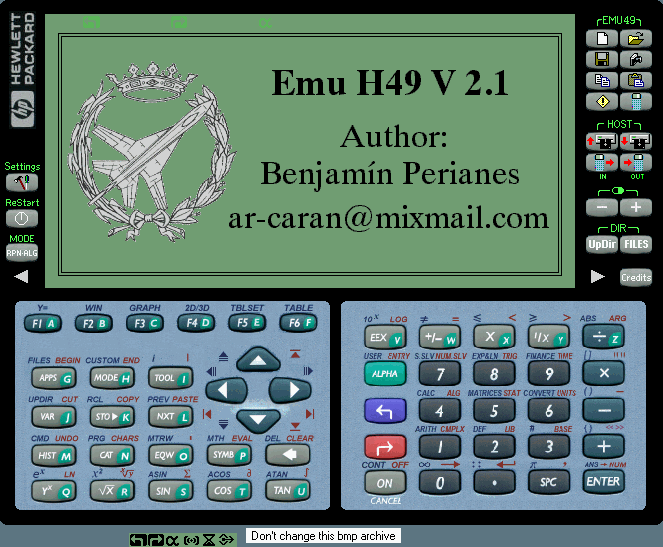
49g - "Emu H49", horizontal, bright (Perianes)
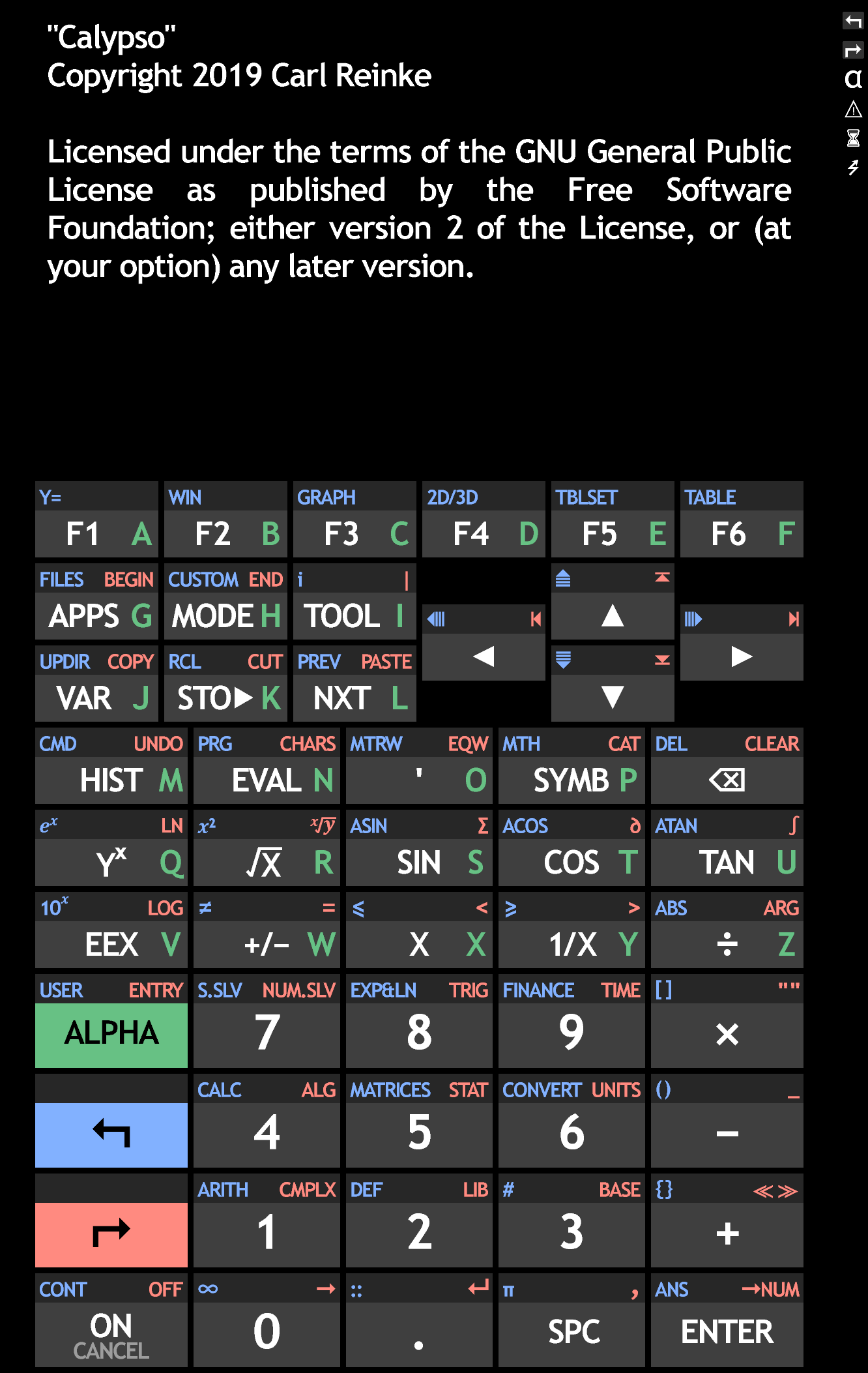
50g - from "Calypso 2K", dark, (Reinke)
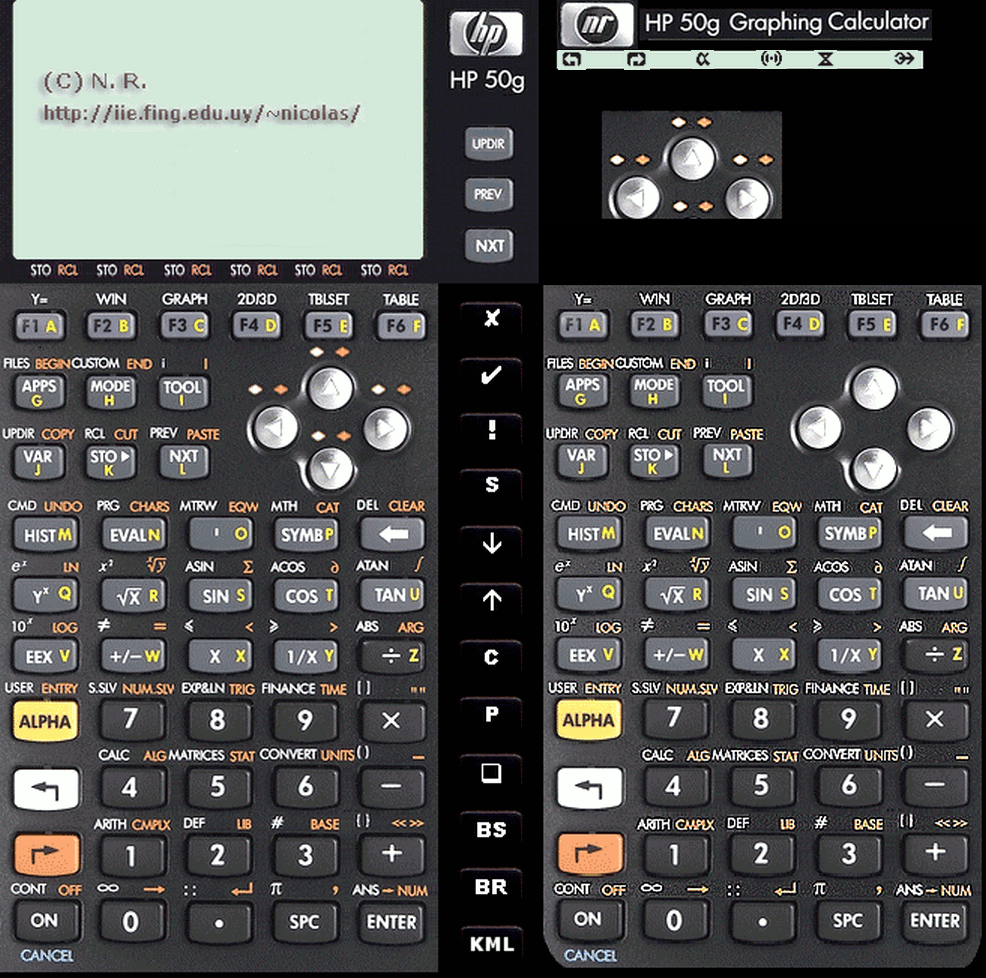
50g - "True 50g", bright (Rivero)
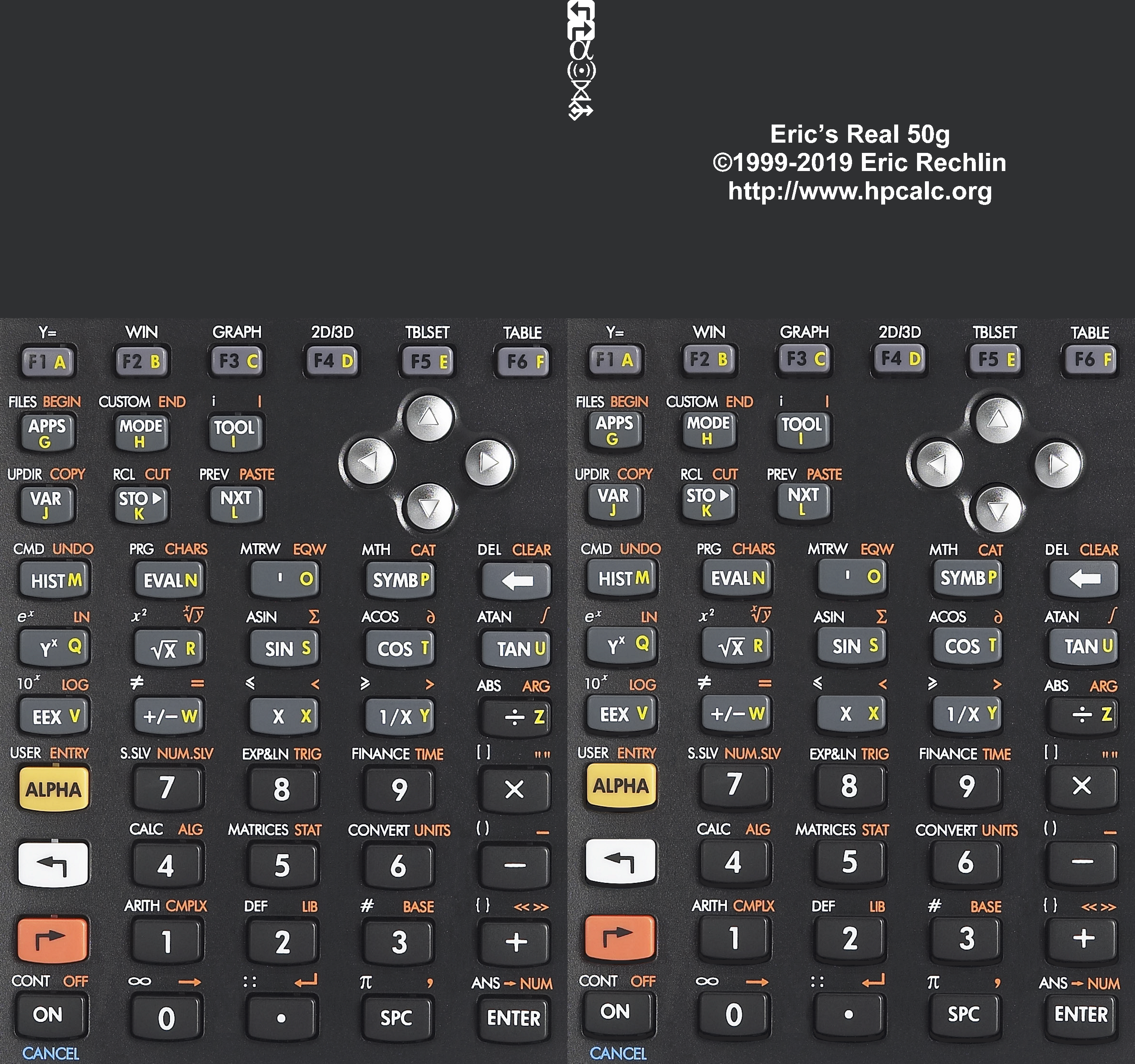
50g - "Real50g XC", dark (Rechlin)
- Modified picture, dark display, (.png): Download
- Modified configuration to shrink on large displays: Download
50g - "True 50g", horizontal, bright (Rivero)
- Modified picture, landscape layout, (.png): Download
- Modified configuration to shrink on large displays: Download

50g - "'Windows 10' theme horizontal", dark (Soares)
- Modified picture, so Android application menu is visible, (.png): Download
- Modified configuration to shrink on large displays: Download

50g - "Flat 50g horizontal", dark (Clayton)
- Modified picture, dark display & (Rechlin) keyboard annunciators, (.png): Download
- Modified configuration to shrink on large displays: Download
 2x.png)
Scripts for HP language in the 48g & 50g models.
Download samples of the HP language, based on HP User RPL.48g, convert decimal degrees to a PlusCode - Updated 2024-Aug-23
50g, convert decimal degrees to a PlusCode - Updated 2024-Aug-23
- The above code expects Latitude and Longitude on the stack.
48g, convert decimal degrees to UTM and MGRS - Updated 2024-Aug-23
50g, convert decimal degrees to UTM and MGRS - Updated 2024-Aug-23
- The above code expects Latitude and Longitude on the stack.
Note: Use the emu48 menu Edit:Load Object to access the downloaded file. Then, enter the HP command OBJ→ to get the program.























Scripts to convert geographic co-ordinates
Rename "*.txt" as "*.htm" (web-browser page). Also converts decimal degrees or DMS into What Free Words (compatible with What 3 Words).
Last Updated: 2024-Oct-17
Below, are a collection of scripts/files to convert decimal degrees into UTM, MGRS and OLC (PlusCode).
A decimal angle is Degrees + Minutes/60 + Seconds/3600 with all three terms having the same sign. Meaning, if Degrees is negative (representing South latitude or West longitude), then Minutes and Seconds will also be negative numbers.
Details for UTM/MGRS and OLC co-ordinate systems are given below, in other sub-sections.
https://cryptome.org/2021/04/

|
MGRS-OLC WGS84 Snyder.txt Size : 29.628 Kb Type : txt |
(Microsoft spreadsheet)
Last Updated: 2024-Oct-11
|
|
WhatFreeWords.txt Size : 2397.559 Kb Type : txt |
A spreadsheet file to convert decimal degrees into Open Location Code (OLC/PlusCode).
A decimal angle is Degrees + Minutes/60 + Seconds/3600 with all three terms having the same sign. Meaning, if Degrees is negative (representing South latitude or West longitude), then Minutes and Seconds will also be negative numbers.
The OLC algorithm is by Google and is explained at:
https://en.wikipedia.org/wiki/Open_Location_Code

|
MGRS-OLC GRS80 Snyder.xltx Size : 30.765 Kb Type : xltx |
(Microsoft spreadsheet)
Convert between Open Location Code (PlusCode) and decimal degrees using Modulus function.
Last Updated: 2025-Sep-19
|
|
Google_PlusCode.xltx Size : 10.821 Kb Type : xltx |
(Microsoft spreadsheet)
An algorithm to convert UTM into MGRS map co-ordinates.
(Microsoft spreadsheet)
A demonstration of IMW map co-ordinates.
|
|
Convert UTM to MGRS.xltx Size : 30.47 Kb Type : xltx |
|
|
IMW co-ordinate system.xltx Size : 18.996 Kb Type : xltx |
'Emu 42' important files
title-bar icons; improved versionsNecessary file
Emu42 must have this file, with the correct name, to work. Place in the Emu42 directory.ROM - download
Windows software
Windows binary (latest version): LinkModified .kmi file
The .kmi file for Emu42 has not been updated since 2006. The original allows allows alphanumeric entry and simple calculations. But 10 calculator buttons cannot be accessed via the keyboard, causing unneccessary use of a mouse. This version fixes that shortcoming. Delete original .kmi file and place this in the Emu42 directory.include file - download
Horizontal skin, large
Translated from SGS-L.image - download
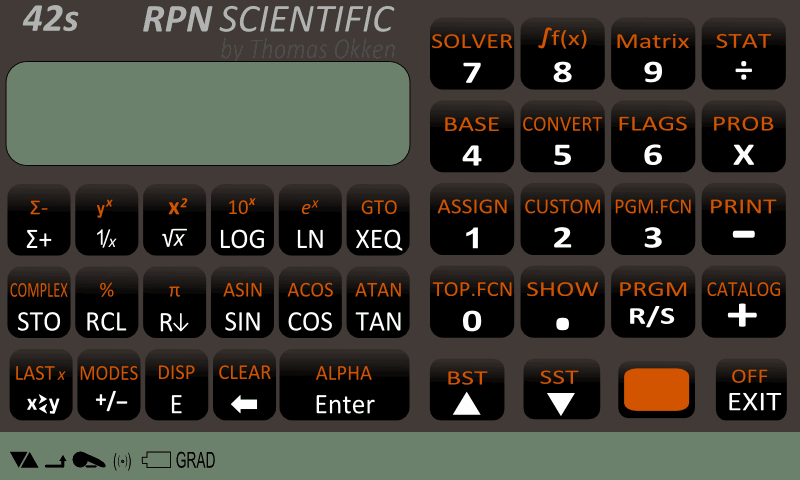
configuration - download
Vertical skin, extra-large
Translated from Nova1_1080x1701.image - download
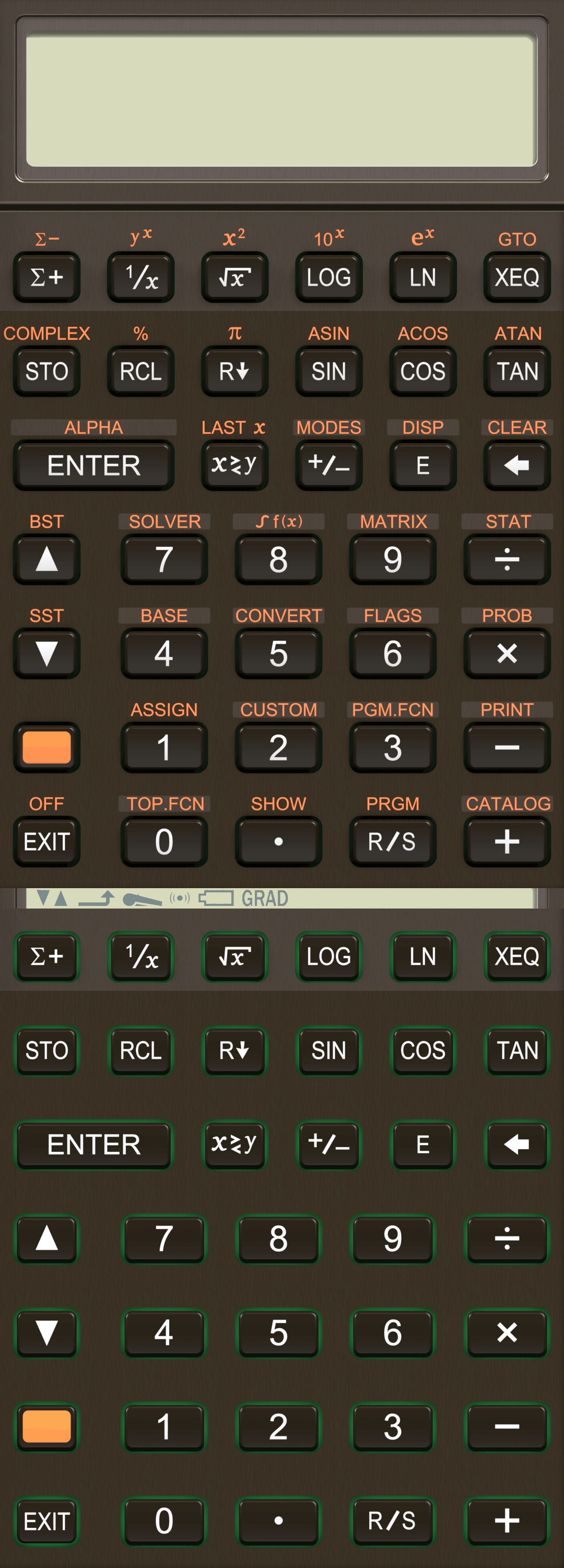
configuration - download
Vertical skin, large
Translated from Amber_X_0.image - download
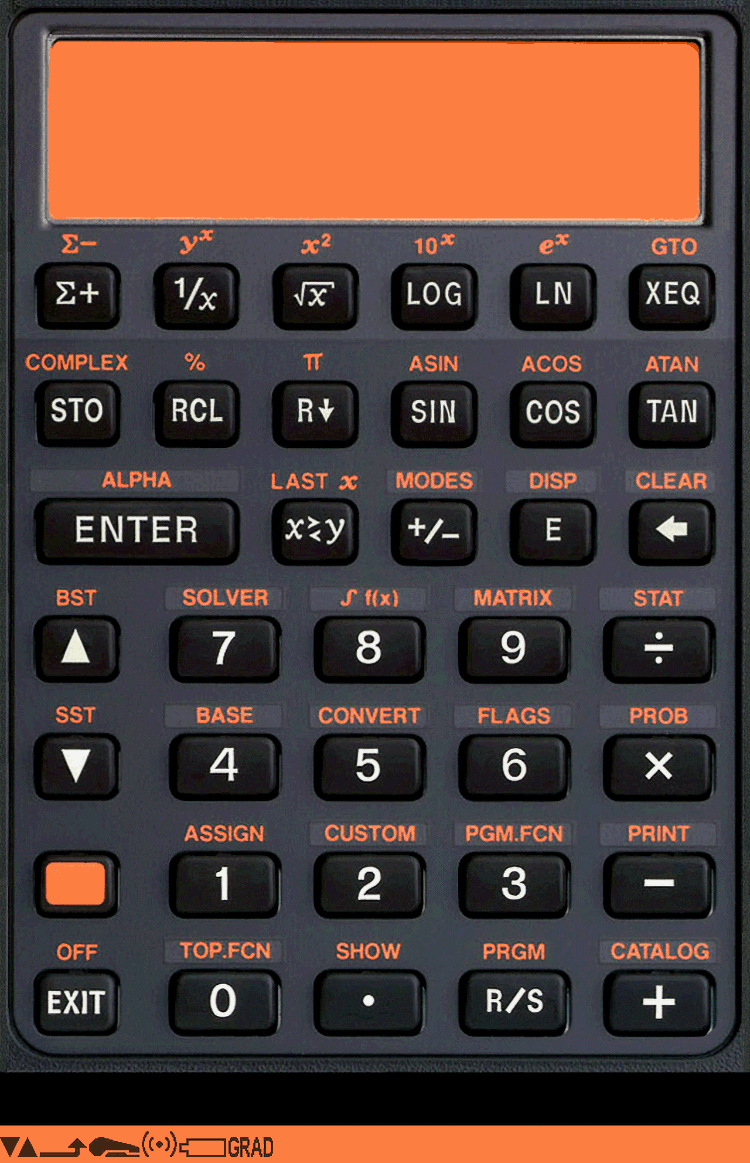
configuration - download
Vertical skin, with icons
"Real Calcs 42", (Rechlin)modified image - download
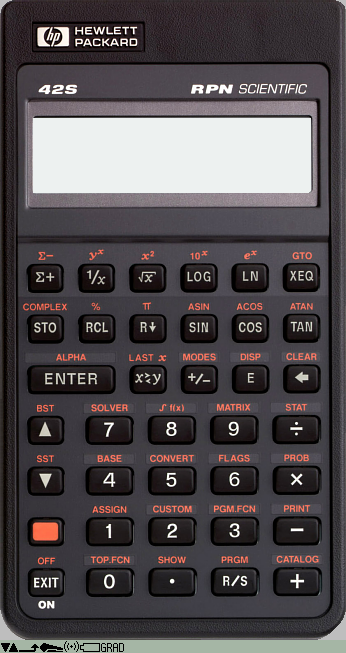
modified configuration - download
calculator manual
How to use Emu42: manualcalculator examples
Examples of using Emu42: exampleskeyboard chart
Shows additional keys for Emu42 using the modified .kmi file: Download'Emu 42' button to modified keyboard map
 F1
F2
F3
F4
F5
F6
m
r
d
s
c
t
enter
w
n
e
back
space
Up
7
8
9
/
down
4
5
6
*
shift
1
2
3
-
Esc.
0
.
\
+
F1
F2
F3
F4
F5
F6
m
r
d
s
c
t
enter
w
n
e
back
space
Up
7
8
9
/
down
4
5
6
*
shift
1
2
3
-
Esc.
0
.
\
+
'DreamCalc 5.0' button to keyboard map
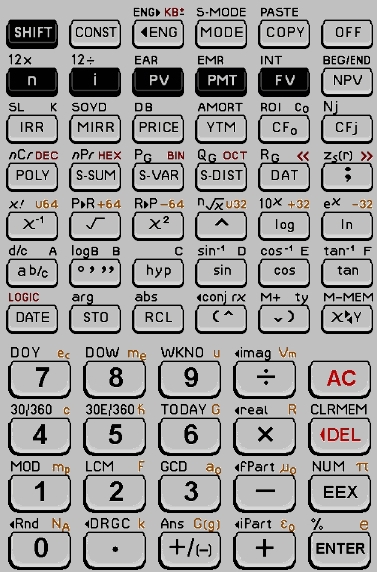 shift
k
← →
home
Ctl-C
Alt-F4
n
i
v
m
f
end
w
u
p
y
Alt-0
j
x
Alt-u
Alt-v
Alt-d
Ins
,
Alt-1
q
Alt-2
^
o
l
z
?
h
s
c
t
d
Alt-s
Alt-r
PgUp
PgDn
Alt-y
7
8
9
/
Esc
4
5
6
*
BkSp
1
2
3
-
e
0
.
Spc
+
enter
shift
k
← →
home
Ctl-C
Alt-F4
n
i
v
m
f
end
w
u
p
y
Alt-0
j
x
Alt-u
Alt-v
Alt-d
Ins
,
Alt-1
q
Alt-2
^
o
l
z
?
h
s
c
t
d
Alt-s
Alt-r
PgUp
PgDn
Alt-y
7
8
9
/
Esc
4
5
6
*
BkSp
1
2
3
-
e
0
.
Spc
+
enter